Ridy Smart Sensing
Ridy Smart Sensing comprises of multiple components for fast and easy measurement of sensor data using smartphones. The platform is designed for use-cases in the railways, however, it can also be used for other use-case scenarios in combination with your own custom algorithms.
Applications
Nowadays smartphones are equipped with many different types of sensors. While theses sensors were originally designed for functions like automatically changing between portrait or landscape mode or location the device, more sensors have been added over time to provide additonal functionality. Moreover, the technical capabilities and accuracies improved significantly. While these sensors cannot provide the same resolution, accuracies or sample rates compared with industrial-grade measurement systems, smartphone sensors can be used to get a first impression about the state
Railways
Other
Ridy Android App
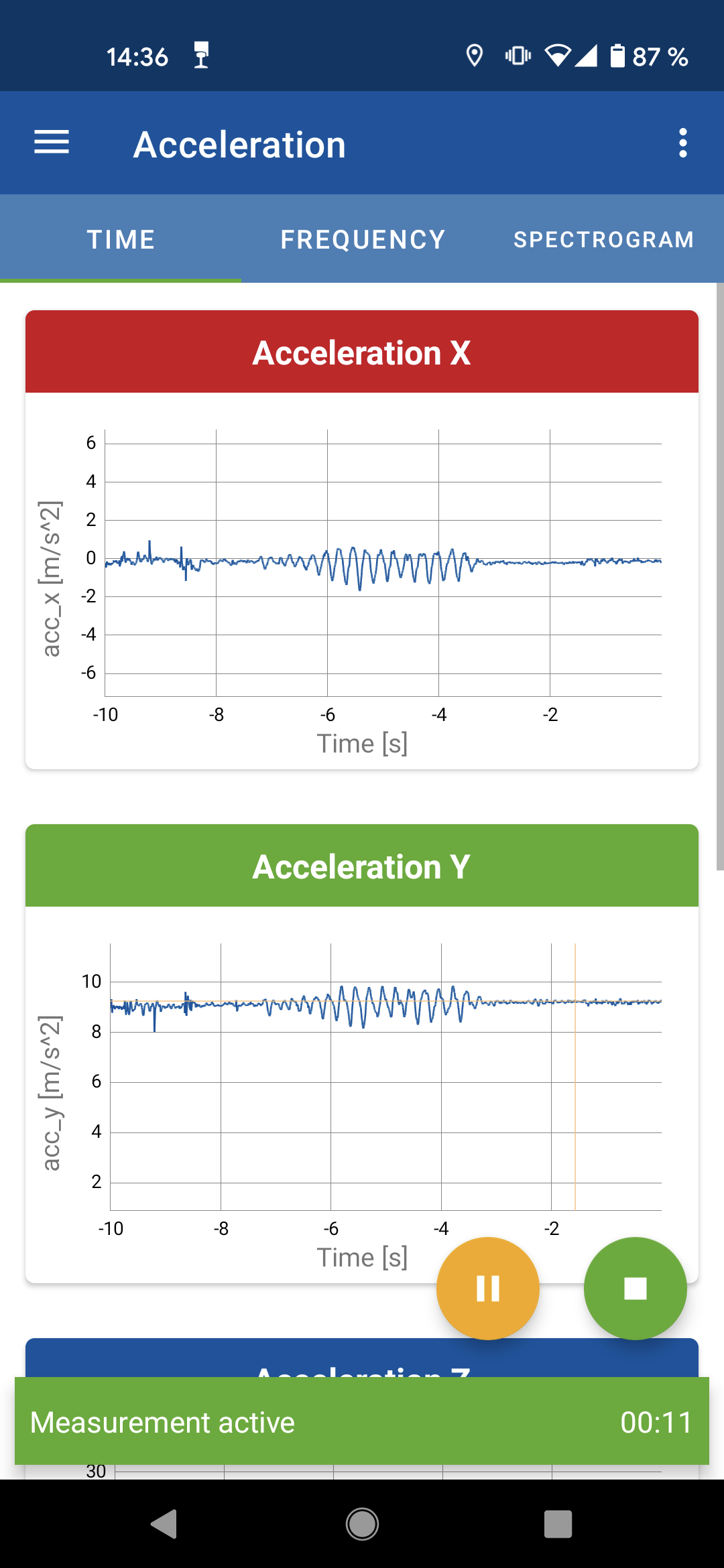
Screenshot showing the Ridy Android App
The Ridy Android App is an app to record the sensors built into Android device.
Currently the following sensors are supported:
Accelerometer
Uncalibrated Accelerometer
Linear Accelerometer (Acceleration without g-Force)
Uncalibrated Linear Accelerometer
Magnetometer
Uncalibrated Magnetometer
Gyroscope
Uncalibrated Gyrscope
Orientation
Rotation Vector
Fused Location (based on GNSS + Cellular position)
Raw GNSS measurements including GNSS clock measurements and NMEA messages
Humidity
Temperature
Pressure
Light Intensity
Note that some sensors might cannot be recorded on certain devices due to hard- or software limitations. The Ridy Android App follows closely the functionality available in the Android SDK. The Documentation of the Android SDK also holds many more information on Android Sensors.
Transfering Data
Measurement data can be transfered into two ways:
- USB
If you connect an Android device to a computer, you can access the storage of the device using a file explorer. The measurement files are located under the following path: “<Your Device>Internal shared storageAndroiddata com.ifs_der_rwth_aachen.ridyfiles”
- Sharing
Measurement data can also be shared directly from the app. Go the measurement view and long-press a measurement file of your choice or press the options button located on the right side of each measurement file. Then select the “Share” option and use one of the app of your choice to share a file directly.
Availability
The Ridy Android App is currently not yet publicly available. If you are interested in being added to the beta program, please contact us (see Contact).
PyRidy Python Library
The pyridy library helps to important and use the smartphone sensor data recorded with Ridy application directly in python. This documentation contains examples and the API-reference to use this library.
Availability
The PyRidy Python library is publicly available and Open Source. The source code can be found here: https://github.com/ifs-rwth-aachen/PyRidy/
